

Using Effects More Effectively
Some basic facts about effects, including how much processing to use, where and when to use it, or perhaps not using any at all
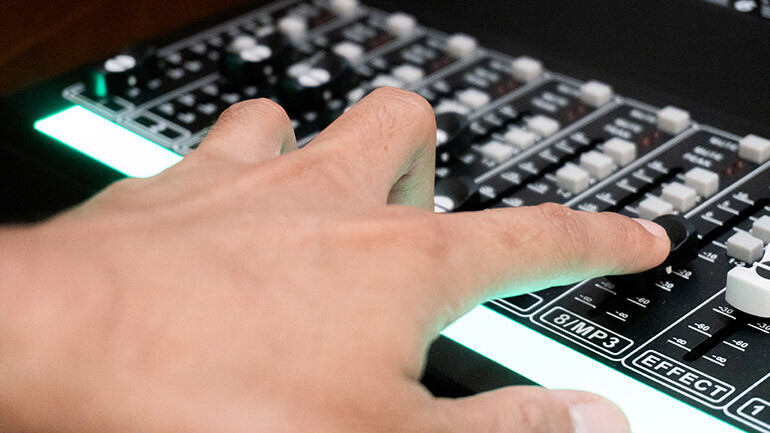
Nowadays even budget DAWs come armed with an array of sound processors that, when used properly, can help turn basic demos into something more pleasing to the average ear. However, it’s not as simple as dipping everything into the same sauce—after all, using an effect is about knowing the right blend, where and when to use it, or perhaps not using any at all. Here we offer a quick synopsis on processing, and how to make the most of your various effects patches.
Applying Reverb
While there’s nothing wrong with a completely dry track, adding a touch of reverberation gives a recording a sense of space, resulting in a wider, larger sound. The trick is using the effect only where needed, rather than just dousing the entire backing in echo. When applying reverb, then, you’ll want to make good use of your individual effect-send controls so that certain elements remain drier than others—for instance, avoid adding the effect to lower-register instruments such as bass or bass drum in order to prevent the track foundation from sounding lost or muddy. When adding reverb to vocals or other instruments, be sure to incorporate a dollop of pre-delay at the top of the effect send, as this keeps the initial signal dry, with the reverb effect following right behind it.
Working With Delay
One of the oldest effects in the recording arsenal, delay was once achieved by copying the original signal from the playback head of a tape recorder and delaying the sound as it passed over the record head by altering the speed of the tape. In the same way reverb adds dimension to an otherwise sterile track, a bit of slapback delay or repeat echo can produce the same result, particularly when used on vocal, keyboard or guitar, while providing a bit of rhythmic feel as well. When using delay, take care to limit the number of echoes by reducing the effect’s feedback control, and, as with all effects, make sure there’s plenty of dry signal present to preserve the clarity of the recording.
Compression Suggestions
Perhaps more than any other effect, a compressor-limiter gives a recording a pro-leaning veneer by holding the peaks in check while subtly boosting levels where needed. While compression can be a potent weapon, be careful how you use it; start by selecting a lower level of effect in order to preserve the natural dynamics of the recording. If you’d like a slightly more aggressive sound, gradually raise the compressor’s “attack” while decreasing the “release” and “threshold” settings. However, using too much effect can lead to an unnatural “pumping” sound, particularly noticeable on drums and percussion. And if you’re planning on having your recording professionally mastered, steer clear of compression altogether, as the effect will be used as part of the mastering process.
EQ as an Effect
While your recorder’s channel equalization adjustments are mainly used to fine-tune the sound of each instrument, EQ can be used as an effect as well. For instance, boosting the mid-range while simultaneously cutting the bass and treble can result in a strident piano sound (especially when combined with a bit of compression), and may also be used for lead and/or background vocals. Or adding some low end and top while filtering out the mids can help give a kick drum extra heft and articulation.
Recording with Processing
These days effects are generally added to the mix or its various components after the fact, rather than during the tracking session. However there was a time when effects such as delay or reverb were employed while the recording was taking place; to this day many studio pros believe that using an effect while tracking leads to a better performance, as it allows the vocalist or other player to respond to the sound they’re hearing through their headphones. Next time around try using reverb, delay or other processing during the actual take, which allows the vocalist (or other performer) to respond to the effect right then and there. If recording with the effect seems too risky, you could simply send the effect to the singer’s headphones (using the monitor patch), rather than actually “printing” it to the recording.




Community
Connect with BMI & Professional Songwriters